
Motorguide Wireless Turn But No Spin: Troubleshooting Guide
If your Motorguide trolling motor turns left or right but the prop won’t spin, you’re dealing with a frustrating issue that can ruin a fishing trip. This guide explains why it happens and how to fix it.
The motorguide wireless turn but no spin problem typically occurs when steering works but there’s no propulsion. Common causes include power delivery issues, blown fuses, faulty circuit breakers, or internal motor problems.
What Causes the Wireless Turn But No Spin Problem
Several factors can cause your Motorguide to steer without spinning:
- Blown internal fuse – Protects the motor from electrical surges
- Tripped circuit breaker – Safety device that cuts power to prevent damage
- Loose or corroded connections – Prevents proper power delivery
- Failing control board – Electronic issues in wireless models
- Dead battery or insufficient voltage – Motor lacks power to spin
- Propeller entangled or damaged – Physical obstruction prevents spinning
Step-by-Step Troubleshooting Process
Check Power and Battery First
Before diving into complex diagnostics, verify your power source:
- Measure battery voltage with a multimeter – should read 12.4V or higher when fully charged
- Check all cable connections from battery to motor for looseness or corrosion
- Inspect the power plug for damaged pins or loose wires
- Verify the circuit breaker hasn’t tripped (it’s usually a red button on the motor housing)
Inspect the Circuit Breaker
Motorguide trolling motors have built-in circuit breakers. If the motor draws too much current, the breaker trips automatically. Look for a small red button on the motor unit – press it to reset if popped.
Important: If the breaker keeps tripping after resetting, there’s likely a short circuit or motor problem requiring professional attention.
Examine Wiring Connections
Loose connections are a common culprit:
- Check the main power cable where it connects to the motor
- Inspect the wireless receiver connections inside the motor housing
- Look for frayed wires or corrosion at all junction points
- Ensure the foot pedal or handheld remote connections are secure
Wireless-Specific Issues
Remote Control and Sync Problems
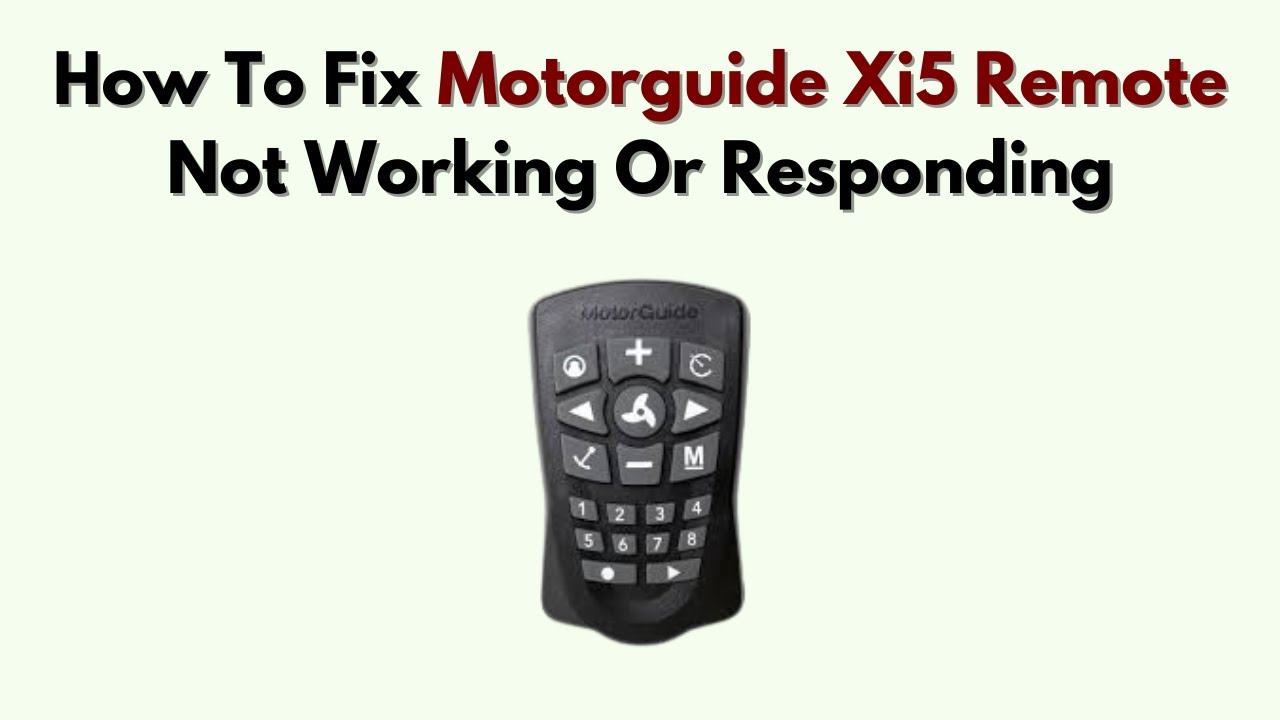
Wireless models like the Xi5 series can experience communication failures between the remote and motor:
- Re-sync your remote according to the manufacturer’s procedure
- Replace remote batteries with fresh alkaline batteries
- Check for interference from other electronic devices
- Verify the wireless receiver antenna is intact and properly positioned
Control Board Malfunctions
The electronic control board manages both steering and propulsion in wireless models. If steering works but propulsion doesn’t, the control board may have partial failure. This requires:
- Visual inspection for burned components or loose connections
- Testing voltage output to the motor windings
- Professional diagnosis if basic tests don’t reveal the issue
Physical Prop and Motor Inspection
Check for Propeller Obstructions
Even with power reaching the motor, a stuck or damaged propeller won’t spin:
- Turn off all power before inspecting
- Remove the propeller and check for fishing line, debris, or damage
- Inspect the prop shaft for bends or corrosion
- Check if the prop spins freely by hand when removed
Motor Shaft and Bearing Condition
Worn bearings or a seized motor shaft will prevent spinning even with power:
- Try spinning the prop shaft by hand – it should rotate smoothly
- Listen for grinding or scraping sounds during operation
- Check for excessive play in the shaft that indicates bearing wear
Common Mistakes to Avoid
| Mistake | Better Approach |
|---|---|
| Assuming it’s always a motor failure | Check simple fixes first: fuses, breakers, connections |
| Ignoring battery condition | Test voltage and charge level before troubleshooting motor |
| Overlooking remote sync issues | Re-sync wireless remote before assuming hardware failure |
| Running motor with tripped breaker | Reset breaker properly and investigate why it tripped |
| Not disconnecting power before inspection | Always remove battery connection before working on motor |
When to Seek Professional Help
Some issues require authorized service:
- Control board failures in wireless models
- Internal motor winding problems
- Water damage to electronic components
- Complex wiring harness repairs
- Issues still present after basic troubleshooting
Motorguide offers warranty coverage through authorized dealers. Keep your purchase receipt and model information handy.
Prevention Tips
Keep your trolling motor functioning properly with regular maintenance:
- Check and clean connections monthly
- Store the motor properly during off-season
- Monitor battery health and charge regularly
- Inspect the propeller for debris after each use
- Reset circuit breaker only after identifying the cause of tripping
FAQ
Why does my trolling motor turn but not run?
If steering works but there’s no propulsion, check the circuit breaker, fuses, and power connections first. Low battery voltage or tripped safety devices are the most common causes.
How do I reset a circuit breaker on a trolling motor?
Locate the small red button on the motor housing and press it firmly until it clicks. Only reset if you’ve identified and fixed the cause of the overload.
Should the trolling motor prop spin freely?
Yes, when power is off, the propeller should spin freely by hand. Resistance indicates bearing wear, internal damage, or prop shaft issues.
How do I sync a MotorGuide trolling motor remote?
Follow the specific sync procedure in your owner’s manual. Usually involves pressing buttons on both the remote and motor receiver simultaneously within a short time window.
Can a blown fuse cause steering without propulsion?
Yes, some MotorGuide models have separate circuits for steering and propulsion. A blown propulsion fuse would allow steering while preventing the motor from spinning.
What voltage should my trolling motor battery read?
A fully charged 12V battery should read 12.6-12.8V at rest. Below 12.4V indicates partial discharge. Under load, voltage should stay above 11.8V for proper motor operation.
Final Thoughts
The motorguide wireless turn but no spin issue is usually resolved through systematic troubleshooting. Start with the simplest checks – battery voltage, circuit breaker, and connections – before moving to more complex diagnostics. Regular maintenance prevents many of these problems entirely.
When basic troubleshooting fails, don’t force continued operation. Continued use with underlying electrical issues can cause permanent motor damage. Professional service is the safest path for complex electronic or internal motor problems.